Screenshots

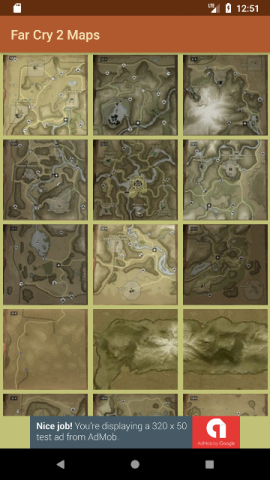
The home screen is a GridView with the various maps presented as clickable thumbnails. Selecting a thumbnail leads to...
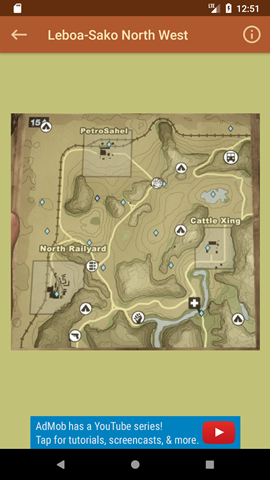
The enlarged portion of the maps selected, with useful information for someone playing the game. The i (info) button to the top right reveals a key for the map. Some maps feature a highlighted area which can be selected and subsequently enlarged.
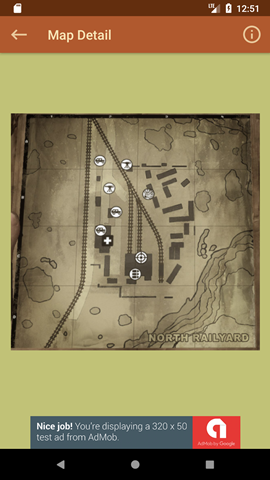
The detailed map for the area selected in the previous screen.
Experience
My first published Android app, produced during my Malmö Yrkeshögskolan course on app development. The app is intended to be an aid when playing the game Far Cry 2 as it contains all the maps for the game, including the location of various useful items which are needed during play. One of the biggest difficulties encountered here was retaining the information passed through the app when going back (phone's back button) or up (from the toolbar) from the third screen to the second.
- Grid Layout
- Consistent navigation when using Back v Up
- Using a colour picker and an invisible overlay to make a portion of a screen clickable
- Firebase Analytics & Ads
- Deploying an app to the Google Play Store
- Responding to Google Play reviews, both good and not so helpful!