Screenshots

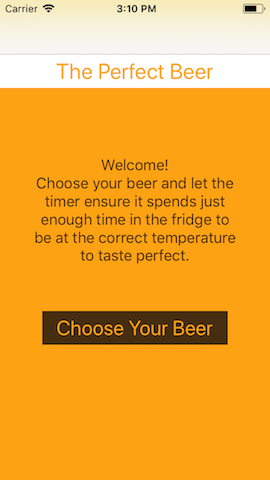
The introductory screen, explaining the app's purpose.
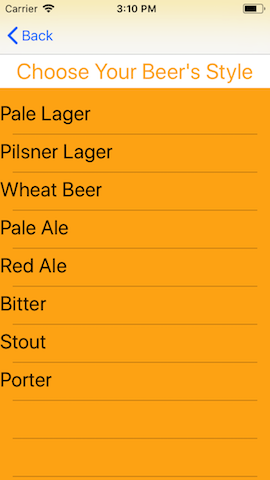
The list of beer names is loaded into the table view from an array. Selecting one of these leads to...
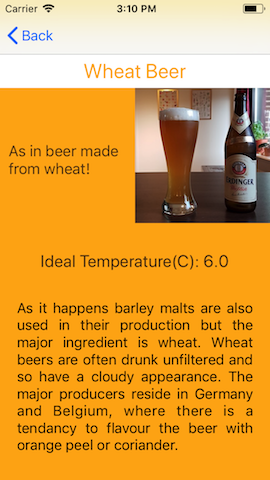
A screen with information about the chosen beer.
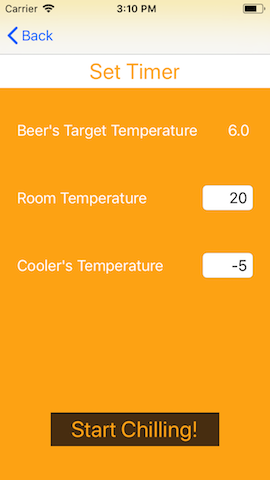
This screen calculates the time required to cool a beer from a certain temperature, depending on it's starting temperature and the cooling environment being used. Upon completion a notification is created and the time calculated is also passed on to...
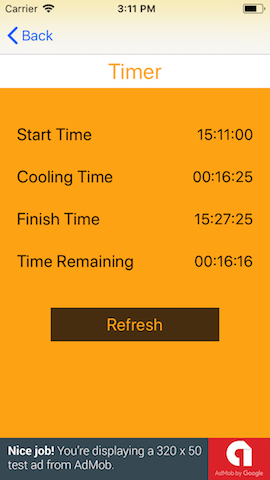
The final screen which can be refreshed to notify the user of the process' progress.
Experience
My first iOs app, produced during my Malmö Yrkeshögskolan course on app development. The aim of the app is to inform someone how long their beer requires in the fridge or a similar cooler to be served at the correct temperature. The final screen was originally a simple timer, built following a lovely tutorial on Medium. Unfortunately I didn't appreciate at the time that the minute the phone falls asleep then the timer also takes a break, rendering such a method completely useless and leading me to discover about local notifications.
- Constraint Layouts
- Local Notifications
- Table Views
- Passing data between screen
- Firebase Analytics and Ads
- Deploying an app to the app store and managing to deal with rejection the first time round!